

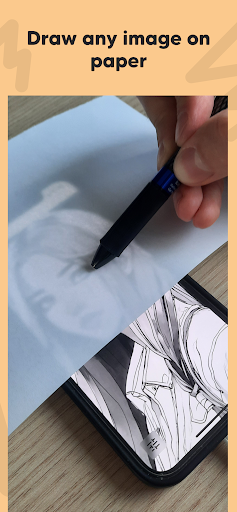
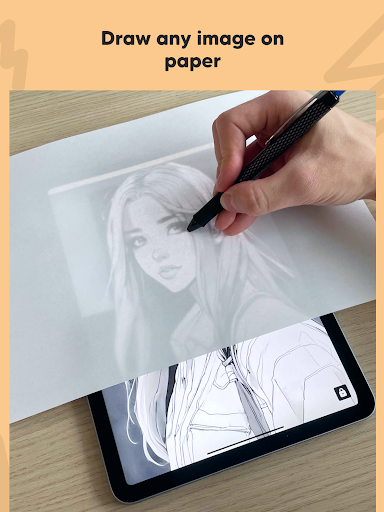
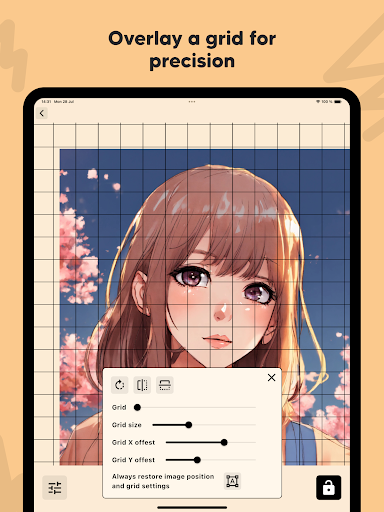
The Lightbox draw – tracing paper app transforms your phone or tablet into a dedicated tool for tracing images onto physical paper. It enables users to import their own photos or select from a predefined library, then project the chosen image onto the device screen. By placing a sheet of paper over the screen, the image shines through, allowing for precise hand-tracing. This app streamlines the traditional lightbox method by offering features like converting photos to clear line art and an adjustable overlay grid to aid in accurate positioning and drawing.
Image Preparation and Outline Conversion
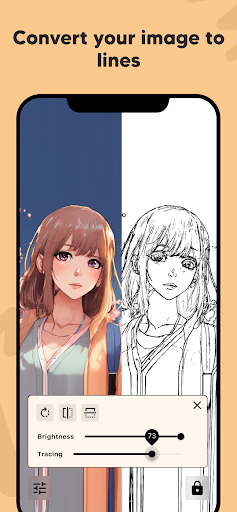
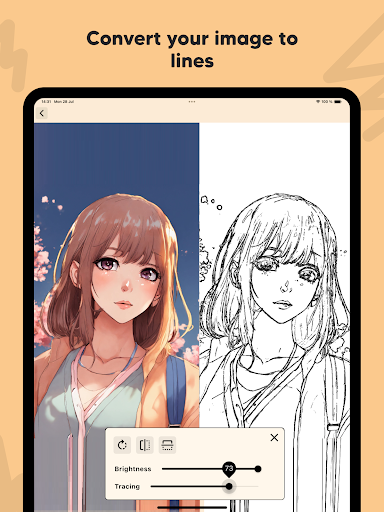
Users can begin their tracing projects by importing personal photos directly into Lightbox draw or by selecting an image from the app’s internal library. A notable capability is the Outline Conversion feature, which can instantly process imported photos and transform them into clear line art. This function is designed to simplify complex images, making them easier to trace with greater precision onto paper.
Precision and Stability Tools
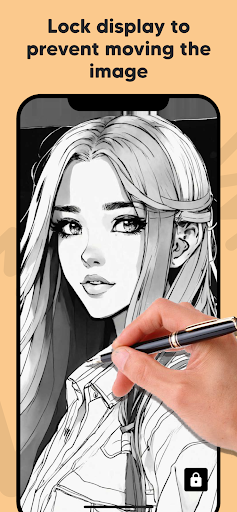
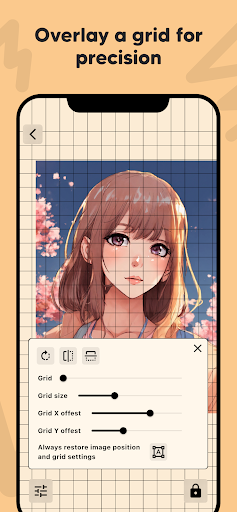
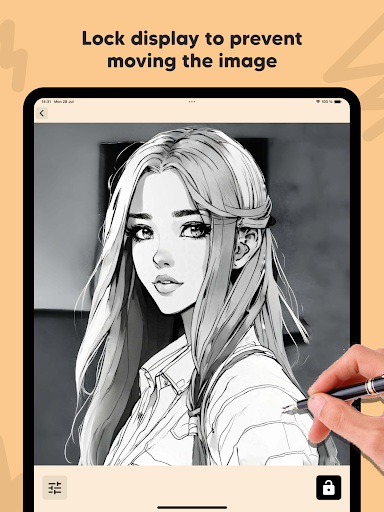
To ensure accuracy and prevent interruptions during the tracing process, the app includes several practical tools. The Lock Display feature keeps the selected image steady on the screen, preventing any accidental movement or touch interference while you are drawing. Additionally, an Overlay Grid can be activated, providing a customizable grid pattern on the screen. This grid assists in precisely positioning the image and maintaining accuracy as you transfer the lines to your physical paper.







Write a review